Funguys Swarm Controls and Settings
Movement, auto-attack, dash i-frames, pause, accessibility toggles, and graphics presets for every platform.
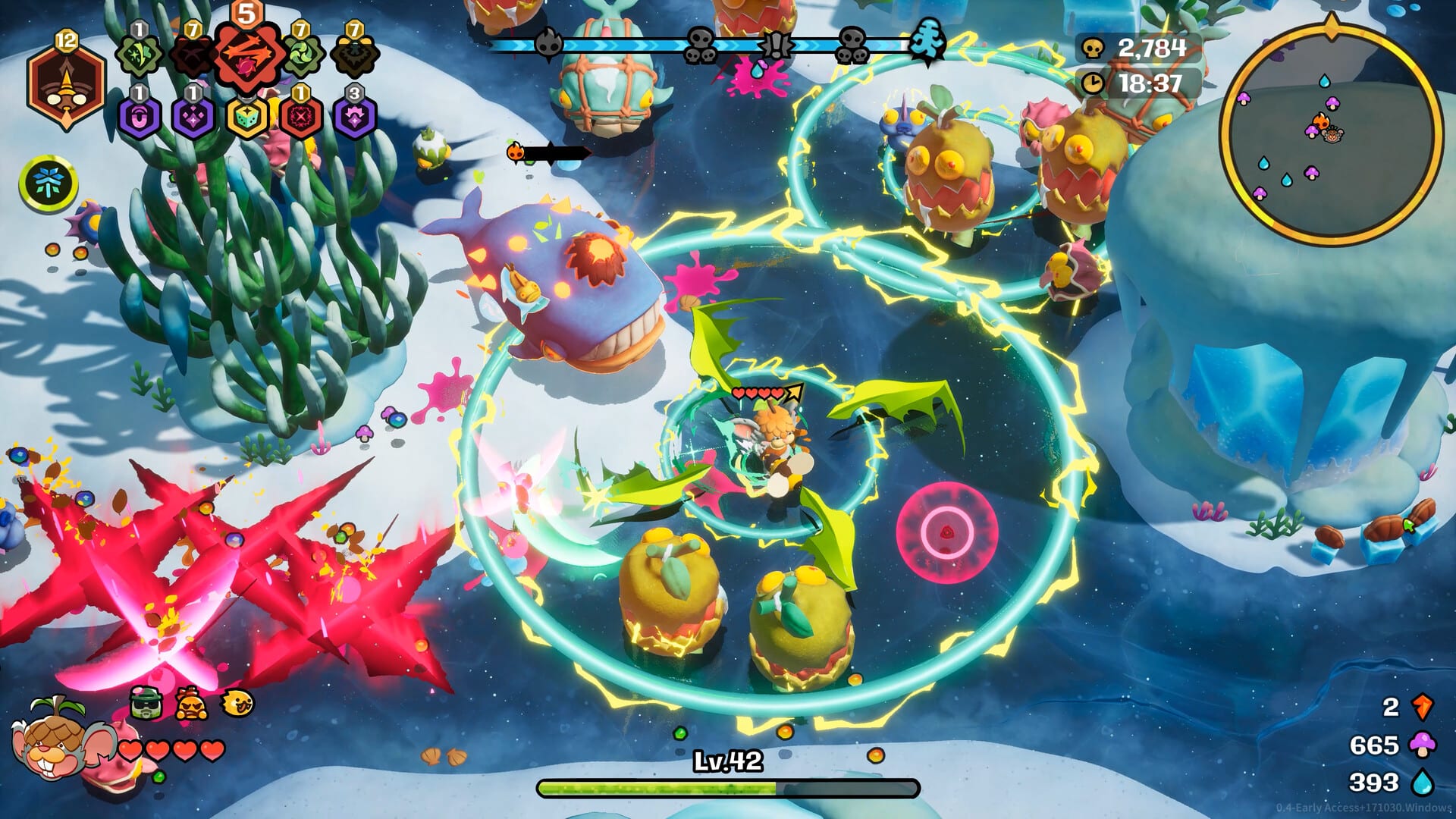
Default control layout
Funguys Swarm is a single-player survivor. The control scheme is deliberately small so you can watch the swarm instead of a hotbar. Movement uses WASD on keyboard or the left analog stick on a gamepad. Your character auto-attacks toward the mouse cursor, or toward the right stick if you are on a controller. Press Space or the controller jump button to dash. Dash is not a jump in the platforming sense: it is a short burst with invulnerability frames that also fires dash-triggered skills such as Nutcase’s Nut N Run and Bramble Roots. Press Escape on keyboard or Options on a controller to pause, review cards, and open settings.
Those four verbs — move, aim, dash, pause — cover almost every arena from Carrot Farm through Hellscape. The How to Play overview explains why positioning matters more than button skill. This page is the hardware map: what each input does, which toggles exist, and what still sits on the roadmap after 1.0.
If you are brand new, start a run as Shroomba or Ersa, leave auto-fire on, and practice dashing through fruit projectiles instead of walking around them. The rest of the roster — Nutcase, Groovba, Joomba, Fuzzbug, X-olotl, NutsNBoltz, Chimpy, Dr. Botanika, Mr. Midnight, Steve, and the secret character after a Fire King clear — uses the same inputs. Version 1.0 also lets any hero mix-and-match weapons, so your hands never learn a second attack button when you swap a Watermelon Axe onto Ersa or Throwing Grapes onto Shroomba.
Keyboard, mouse, and aiming
On PC, WASD strafes your Funguy through the arena. The camera stays centered on you. Mouse position is the attack vector: watermelon slices, grape volleys, and most projectile weapons travel toward the cursor, not toward the nearest enemy, unless you enable auto-aim. That distinction matters against elites and bosses. A Peashooter or Chargeberry on the far side of the screen will not magically eat shots if your cursor sits on a nearby Eggy.
Auto-fire and auto-aim are independent toggles. Auto-fire repeats your weapon without a held mouse button. GameSpew’s coverage of the 1.0 build recommends leaving auto-fire on so your attention stays on dash timing and pickup routes. Auto-aim can help on a trackpad or when Shock and Freeze clusters make the screen unreadable, but it can also waste damage on fodder while a Catfish or Chicken Caesar winds up. Try a Frozen Pond run with auto-aim off once you are comfortable, then decide.
Pause with Escape. The pause screen is also where you inspect the current deck, confirm relic effects such as Dashspores, and open graphics options. Pausing does not empty dash charges or cancel a Banish sequence; it only freezes the arena so you can think. Between runs you are in the Forest Sanctuary, which uses the same move-and-confirm language rather than a second control scheme.
Controller, consoles, and Steam Deck
Left stick moves. Right stick aims. Jump dashes. Options pauses. That mapping is what you get on PlayStation 5, Xbox Series X|S, and Nintendo Switch 2 after the August 25, 2026 1.0 launch, and it is the layout Valve signed off for Steam Deck Verified. Handheld play is comfortable because you are not chord-casting: one stick for feet, one stick for the muzzle, one face button for i-frames.
Console players should still open settings once. The March 2026 Optimization Update added Quality Preset graphics, an in-game cursor option, enemy outlines, ground splatter, and damage-number speed. On a living-room television, bump outlines on and slow damage numbers so you can see Marked 1.4x windows on elites. On Steam Deck, a lower Quality Preset plus the CPU swarm work from that same patch keeps Lava Jungle and Egglosseum readable when Volcana and Rooster packs overlap.
There is no cross-platform save. A Steam Deck run does not resume on PS5. Pick one storefront and stay there if you care about Starpath quests and the 112 Steam achievements. Epic Games Store and Microsoft Store PC builds use the same keyboard and controller defaults as Steam; only the account silo changes.
Dash, i-frames, and why Space is a combat button
Dash is the survival verb. Charges are limited and refill on a cooldown. During the dash animation you ignore most contact damage, which is how you cross a Freeze patch you did not apply, a Burn puddle in Lava Jungle, or a rooster charge in the Egglosseum. Dash also spends charges for dash-power kits. Nutcase scales with dash frequency. Relic Dashspores add two charges and lengthen cooldown by 25 percent, which is a net gain if your build triggers on dash rather than on raw attack speed.
Do not treat dash as a panic sprint only. In best-build theory, a dash-trigger stack wants you to spend charges on rhythm, not only when a Lychee Snake is already on top of you. Watch the charge pips. If you dump every charge at once you will have no i-frames for Appletini’s bottle sweep or the Fire King’s later Hellscape patterns.
Jump on a controller is dash. There is no separate hop over gaps; arenas are flat combat rings. If a tutorial prompt says jump, it means spend a dash charge.
Settings that actually change fights
Graphics Quality Presets arrived in March 2026. Use them before you blame the swarm for dropped frames. Minimum PC specs in the system requirements list a GTX 960 target of 720p30; a preset below your monitor’s native mode is the supported way to hold that floor, not a hidden resolution slider you have to hunt for.
Quality-of-life toggles from the same patch are worth a first-session pass. Damage number speed helps when Flaming Slice Burn ticks stack after the March mutation buff. The in-game cursor helps TV players who otherwise lose the aim point in ground splatter. Enemy outline is the single best accessibility option for fruit silhouettes that share colors with Carrot Farm crops. Ground splatter can be lowered if you need to see breakables: Dew, Shroom, and XP pots take three hits after they returned in March.
Banish is not a keybind, but it is a control-adjacent habit. After the March rework you can banish several cards before you pick, and the level-up screen ends when you select a card or when every remaining option is banished. Practice that flow in pause-friendly early waves so you are not mashing confirm under a Pomegranade volley.
Audio sliders exist; they do not change auto-fire. There is no shipped custom keyboard map in 1.0. Stairway Games called out key rebinding as next work after March, together with more arenas. Until that patch, WASD and Space are the PC language, and controller users stay on the default stick-and-jump layout.
Platform checklist and common mistakes
Confirm auto-fire is on before you enter Frozen Pond. New players sometimes disable it while hunting a setting, then wonder why Throwing Grapes sit silent. Confirm aim device: a drifting right stick on Deck will walk your fire into empty ice. Confirm Quality Preset after a GPU driver update; presets can reset.
Do not expect a second player. Funguys Swarm is single-player. Twitch voting in 1.0 can let a chat audience lean on card choice for a stream, but that is not local couch play and it does not add a second cursor.
Once the layout feels invisible, move on to arena routing, debuff windows, and weapon mutations. The controls will not get more complex. The swarm will.
Frequently Asked Questions
Quick answers to common questions about Funguys Swarm.
How do I move and attack in Funguys Swarm?
Move with WASD on keyboard or the left stick on a controller. Your Funguy auto-attacks toward the mouse cursor or the right stick. You do not need a fire button unless you turn auto-fire off in settings.
Does dash make me invincible?
Dash grants invulnerability frames for the duration of the dash animation. Press Space on keyboard or the jump button on a controller. Charges recharge over time. Dashspores and dash-trigger skills change how often you can spend those frames.
Should I use auto-fire and auto-aim?
Both can be toggled independently. GameSpew recommends leaving auto-fire on so you can focus on positioning. Auto-aim is optional: many mouse players prefer aiming at elites and bosses themselves, while stick players often keep auto-aim on in dense swarms.
Can I rebind keys in the 1.0 build?
Not yet. After the March 2026 Optimization Update, Stairway Games listed key rebinding as upcoming work alongside more arenas. Do not expect a shipped rebind menu until that follow-up patch. Default WASD, Space dash, and Escape pause still apply on PC.
Does Funguys Swarm support Steam Deck and consoles?
Yes. The game is Steam Deck Verified. Console editions launched with 1.0 on PlayStation 5, Xbox Series X|S, and Nintendo Switch 2. Quality Presets from March 2026 help handheld and living-room TVs alike. See the system requirements page for PC minimums.